Have you ever struggled to see screen details clearly while working outdoors, editing videos or designing graphics? Display quality plays a major role in how comfortably and accurately you work on a laptop. For professionals who depend on their screens for photography, video editing, graphic design and other creative tasks, even small differences in brightness and colour accuracy matter.
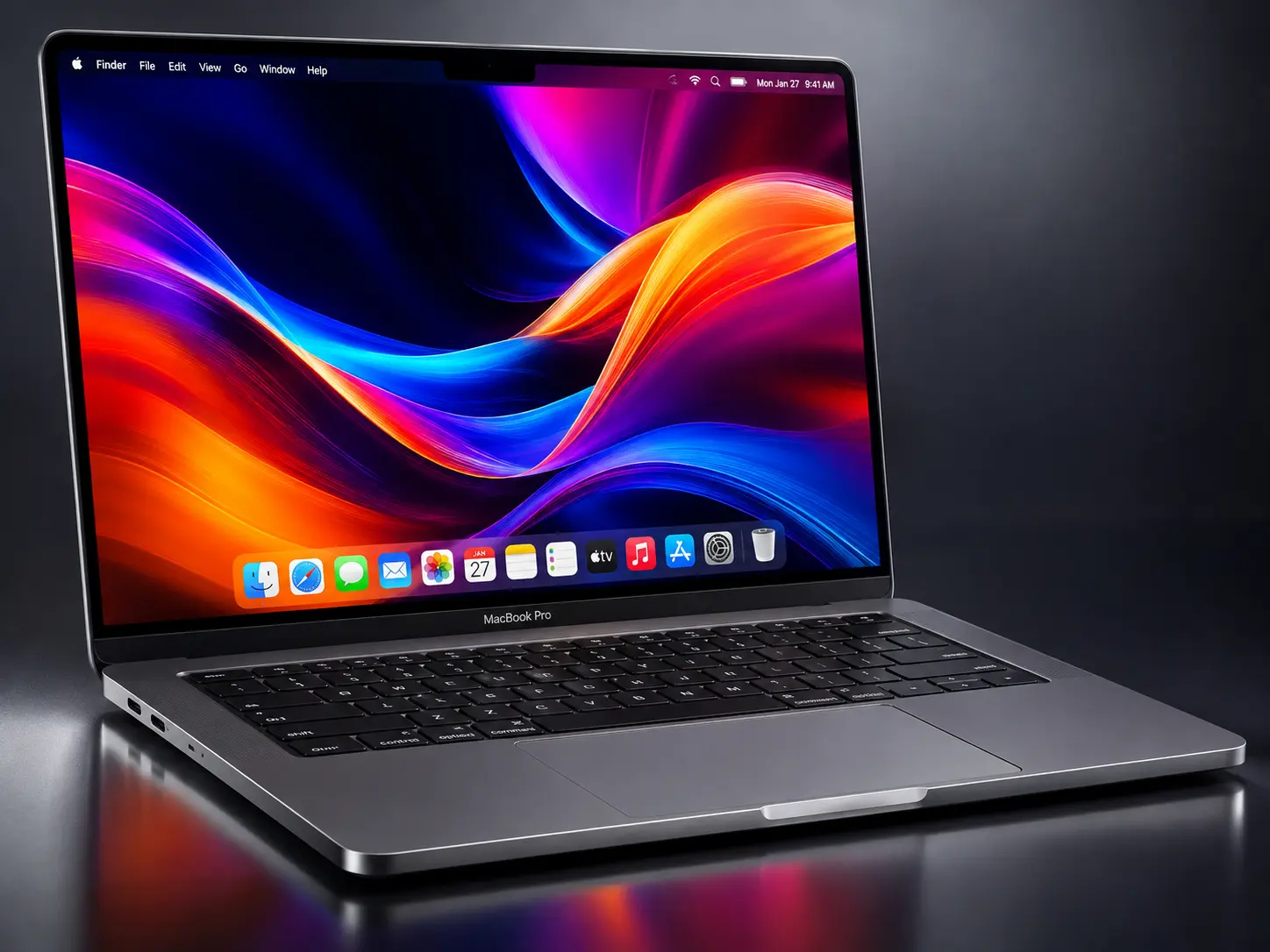
Apple has introduced its new PROLED XDR display technology in the latest MacBook Pro models, bringing significant improvements to screen quality and user experience. With tandem OLED technology, higher brightness, deeper blacks, improved contrast, and touch support, this display takes MacBook screen performance to another level.
But what makes the PROLED XDR different from previous MacBook displays? Is it really better than a mini-LED? Let's explore its features, benefits and what users need to know.
PROLED XDR is Apple's new display technology introduced with the 2026 MacBook Pro. It uses an advanced tandem OLED panel designed to deliver better brightness, colour accuracy and contrast.
Unlike traditional LCD displays that depend on a backlight, OLED technology uses self-illuminating pixels. This allows individual pixels to control their own light, producing deeper blacks and more detailed images.
Apple's tandem OLED design uses two self-illuminating pixel layers to improve brightness and maintain image quality. It also uses advanced display controls to maintain consistent colours and brightness across the screen.
6 Important Features of Apple's PROLED XDR Display
One of the biggest changes is the use of tandem OLED technology. It combines two OLED layers to deliver higher brightness and better image performance.
This technology helps reduce internal reflections and maintains brightness uniformity across the display. It also produces deep blacks without the light halos sometimes seen around bright objects on traditional backlit displays.
Brightness and contrast are important when working with different types of visual content. The new PROLED XDR display offers up to 2,000 nits of peak brightness for both HDR and SDR content, with up to 1,000 nits of sustained full-screen brightness.
It also delivers an impressive 10,000,000:1 contrast ratio.
This means users can experience brighter highlights, darker shadows and more visible details. It is particularly useful for watching HDR videos, editing photographs and working in brightly lit environments.
For photographers, graphic designers and video editors, accurate colours are essential.
The PROLED XDR display supports both P3 and Adobe RGB wide colour gamuts. It can display more than one billion colours, helping professionals work with detailed images and colour-sensitive projects.
This makes it suitable for professional photography, digital artwork, graphic design and HDR video editing.
Apple's ProMotion technology offers adaptive refresh rates ranging from 10Hz to 120Hz.
A higher refresh rate makes scrolling, animations and screen movements appear smoother. The display can also adjust its refresh rate depending on the content, helping balance smooth performance and power consumption.
Another major change is the introduction of touch support on the MacBook Pro.
Users can interact directly with the display using Multi-Touch gestures such as scrolling, pinching, rotating and drawing. This provides another way to work with creative applications and everyday tasks.
Working under bright lights or near windows can make screen reflections distracting.
Apple has introduced an improved anti-reflective coating and an optional nano-texture glass finish. These features help reduce reflections and improve screen visibility in different lighting conditions.
Earlier MacBook Pro models used Liquid Retina XDR technology with mini-LED backlighting. The new PROLED XDR display uses tandem OLED technology.
Here are the major differences:
The biggest improvements are deeper blacks, higher contrast, wider colour support and touchscreen functionality.
The new display is especially useful for people whose work depends on screen quality.
Photographers: Better colour accuracy helps with photo editing and colour correction.
Video editors: Higher brightness and improved HDR performance help when editing professional video content.
Graphic designers: Wider colour support helps create and review detailed visual designs.
Content creators: Better contrast and smoother screen movements improve everyday creative work.
Business professionals: Clear visuals and improved screen visibility make daily work more comfortable.
Even with advanced display technology, proper care is important to maintain screen quality.
Clean the display using a soft, lint-free microfiber cloth.
Avoid applying excessive pressure to the screen.
Keep liquids and cleaning chemicals away from the display.
Avoid placing heavy objects on your closed MacBook.
Use a suitable protective sleeve while travelling.
Keep your MacBook software updated.
If you notice flickering, unusual lines, colour changes or touch response problems, get the display checked by a professional technician.
Apple's new PROLED XDR display brings a major improvement to MacBook Pro screen technology. Its tandem OLED panel, impressive brightness, deeper contrast, wider colour support and touchscreen functionality make it a powerful choice for professionals and everyday users.
However, an advanced display also needs proper care and professional attention when problems occur. If your MacBook Pro experiences screen damage, display flickering or touch-related issues, choosing an experienced repair centre is important.
At The Keypad, we understand how important your MacBook is for your daily work and creative activities. Our experienced technicians provide professional MacBook diagnosis and repair support to help identify display-related problems and recommend suitable solutions.
Don't let display issues interrupt your work.
Contact The Keypad for reliable MacBook repair assistance.
1. What is the PROLED XDR display in MacBook Pro?
PROLED XDR is Apple's new tandem OLED display technology introduced in the 2026 MacBook Pro. It offers improved brightness, contrast, colour accuracy and touch support.
2. Is PROLED XDR better than Liquid Retina XDR?
Yes. PROLED XDR offers a higher contrast ratio, brighter peak output, wider colour support and touchscreen functionality compared with Liquid Retina XDR.
3. What is the peak brightness of the MacBook Pro PROLED XDR display?
It supports up to 2,000 nits of peak brightness for HDR and SDR content, with up to 1,000 nits of sustained full-screen brightness.
4. Does the new MacBook Pro PROLED XDR display support touch?
Yes. It supports Multi-Touch gestures, allowing users to scroll, pinch, rotate and interact directly with the screen.
5. Is PROLED XDR suitable for professional video editing?
Yes. Its high brightness, 10-million-to-one contrast ratio, and P3 and Adobe RGB colour support make it suitable for professional video editing and colour-sensitive work.